.png&w=640&q=75)

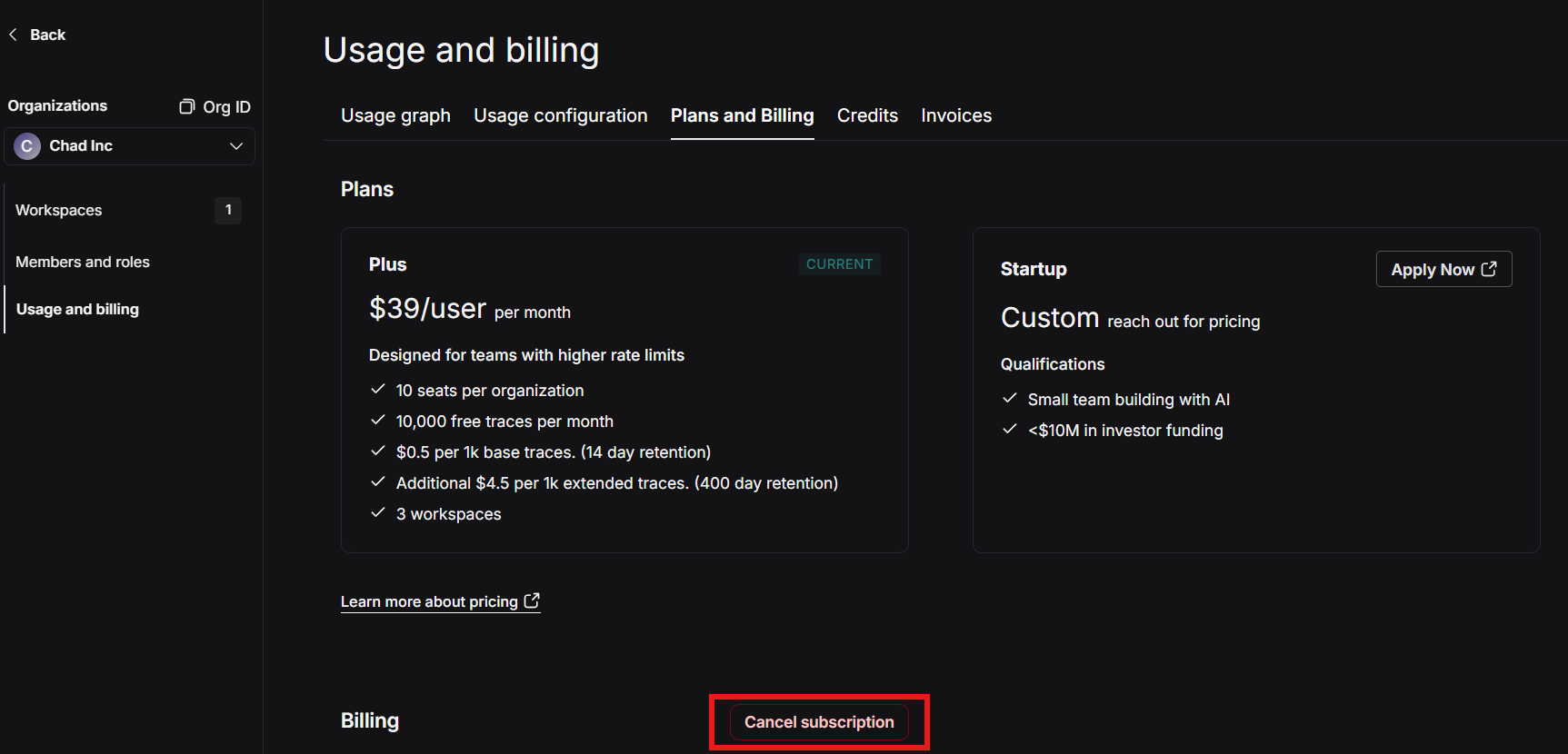
To cancel your LangSmith Startup or Plus plan subscription:
Log into your LangSmith account.
Navigate to Settings > Usage and Billing > Plans and Billing.
Select Cancel Subscription.
Important notes about cancellation:
Your subscription will remain active until the end of the current billing period
There is no automatic downgrade path from paid plans to free plans - you'll need to create a new organization if you want to use the free plan
Once your subscription ends, your application may start receiving authentication errors if it's still configured to send traces to LangSmith. Be sure to disable tracing in your applications before the subscription end date.
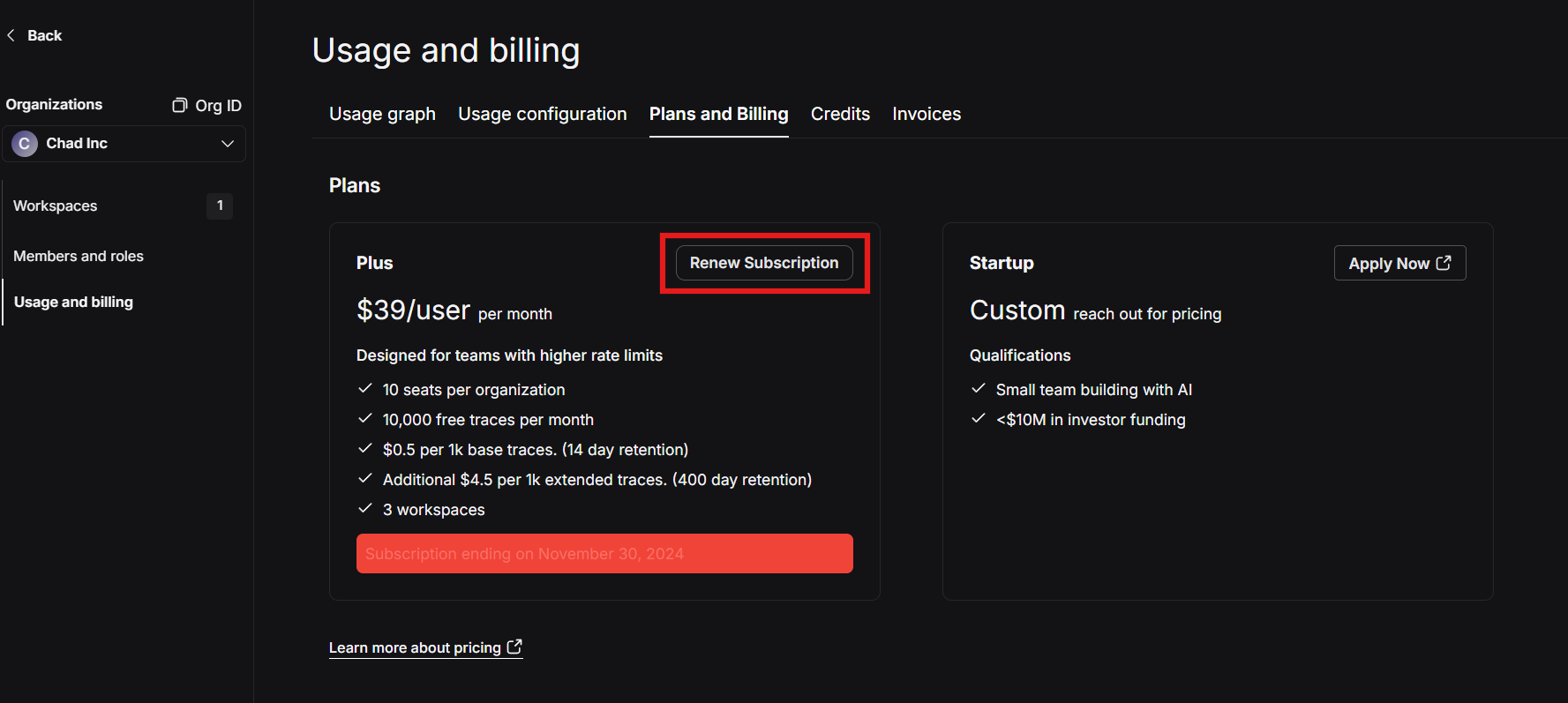
If you’d like to renew your subscription at a later date simply select Renew Subscription button: